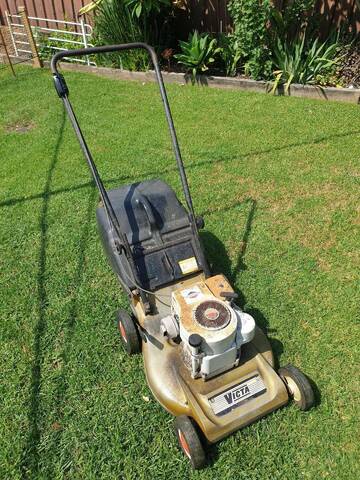
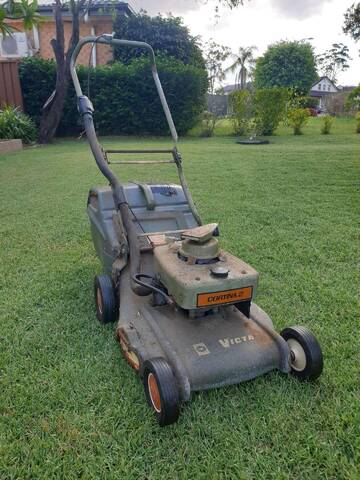
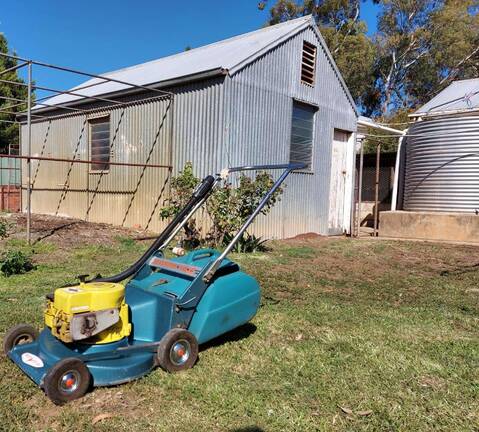
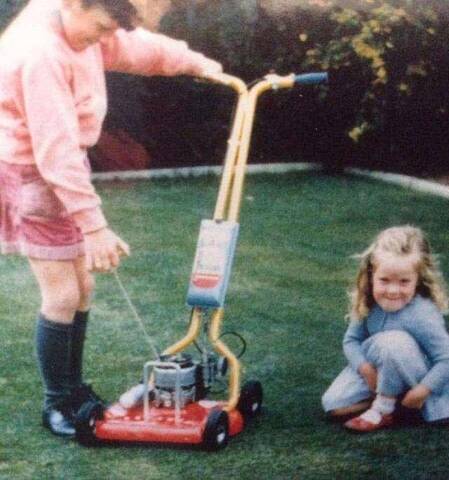
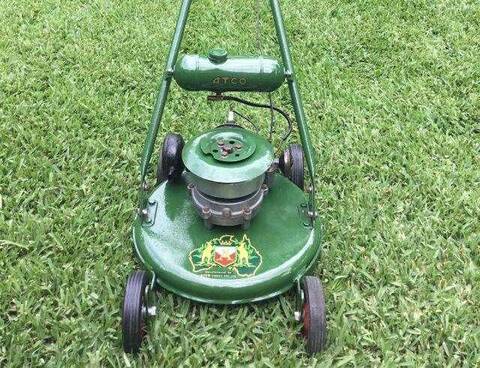
At the bottom of the page is the quick reply section that I always use.
There is a row of icons at the top, the first being a smiley face.
click on the fifth icon, with the little blue arrow.
A box opens up
In the middle of the screen there's a white box that says "choose file"
click it
A new box opens up so you can find the pic on your computer. You will need to know the name of the file and where you left it. Maybe on the desktop or in a folder called "mowers"
I am on a MacBook Air and take pics with my iPhone so my pics go to a folder called "photos"
Click on the picture you want
You will see on the bottom right a blue box appeaser that says "choose"
click it
That box will close and go back to the initial box where you clicked "choose file" last time
this time click the box to its right that says "ad file from your pc"
For me this takes a few minutes as my internet is as slow as I am.
When it's loaded it will appear as a small pic on your screen.
Click all done
I hope this is helpful as I am crummy at explaining things.